



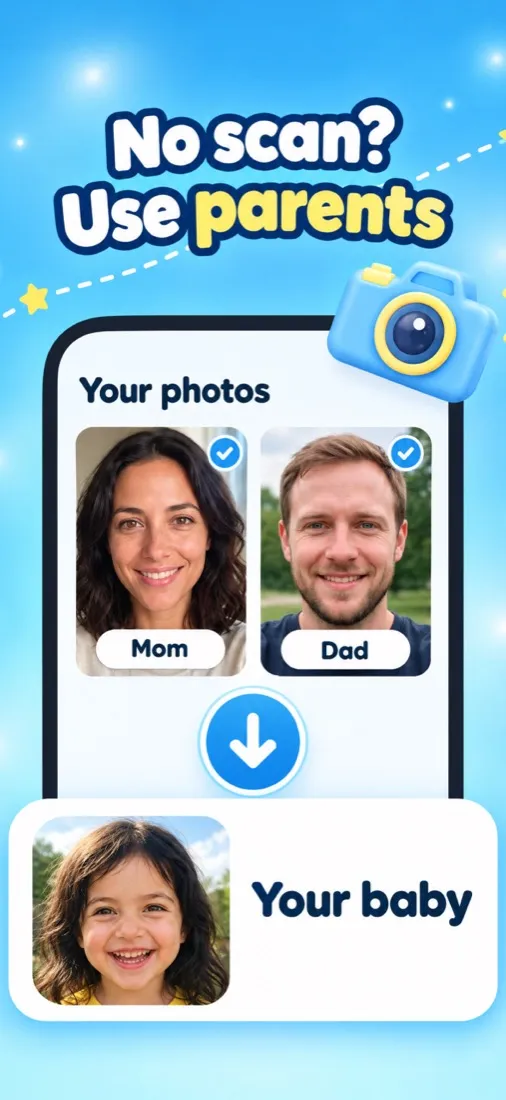

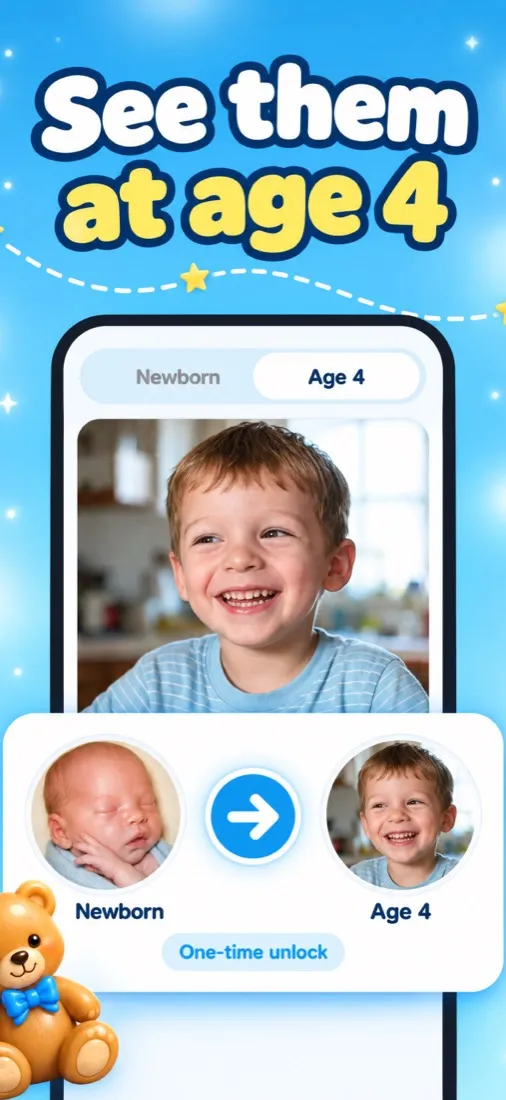
SeeMyBaby is an AI baby generator for iPhone. You give it one ultrasound photo, or a photo of each parent, and it imagines what your baby could look like as a newborn. It also offers the same child at age 4 and a gender reveal party for parents who are keeping the sex a surprise.
How it works, in three steps
- Answer a few short questions. Which trimester you’re in, whether you already know the sex, your family’s heritage (or “rather not say”), and what you’re most curious about: eyes, nose and smile, hair, family resemblance or growing up. Your answers steer the portrait.
- Upload one photo. An ultrasound picture works whether it’s 2D, 3D or 4D, and a phone photo of the printout or a screenshot is fine. Or skip the scan and add one photo of each parent.
- Watch the portrait appear. A live progress bar runs for about a minute, then your imagined newborn is ready to save, share or keep in the app’s gallery.
Four ways to imagine your baby
- Ultrasound to baby portrait. Turn the scan photo you already have into an imagined newborn face. This is where most parents start.
- Parents’ photo portrait. No scan yet, or just curious about the mix? One photo of each of you gives a newborn who blends both.
- 4-year-old preview. See the same child at age 4, made from your photos or by ageing up the newborn portrait. It’s a one-time purchase.
- Gender reveal party. Pull the ribbon on a gift box, hear the drumroll and watch pink or blue balloons fly. The result is a playful AI guess, just for fun, not a medical result.
What to expect from the portrait
SeeMyBaby is entertainment. The portrait is a guess drawn by an AI image model, not a forecast of your baby’s face, and it doesn’t analyse your scan medically in any way.
The input matters. A clear 3D or 4D scan with the face in profile gives the AI the most to work with, so the result stays closest to what the scan shows. A grainy 2D scan still works, but more of the face is imagined. If you’re curious why scans and newborns often look so different, our guide to 3D ultrasound vs a real baby explains it.
Your photos stay private
We built SeeMyBaby so your pictures don’t linger anywhere:
- Your ultrasound and parent photos are held in memory only while the portrait renders. They are never written to a disk or a database.
- The finished portrait stays on our server only until your phone confirms it has a copy, and never longer than 24 hours.
- Your account is anonymous. The app never asks for your name, address or date of birth.
- Portraits live on your phone, and “Delete my account” in Settings clears them and your history.
Pricing, in one line
The app is free to download; portraits need credits from a weekly or yearly plan, and the 4-year-old preview is a one-time unlock. The pricing page lists every plan and how to cancel.
Guides for the months before you meet
The SeeMyBaby blog covers scans, looks and reveals with sources you can check. Two good places to start: what will my baby look like?, a trait-by-trait genetics guide, and the 3D ultrasound guide on what a keepsake scan shows and when to book one.