By Sarina Gomez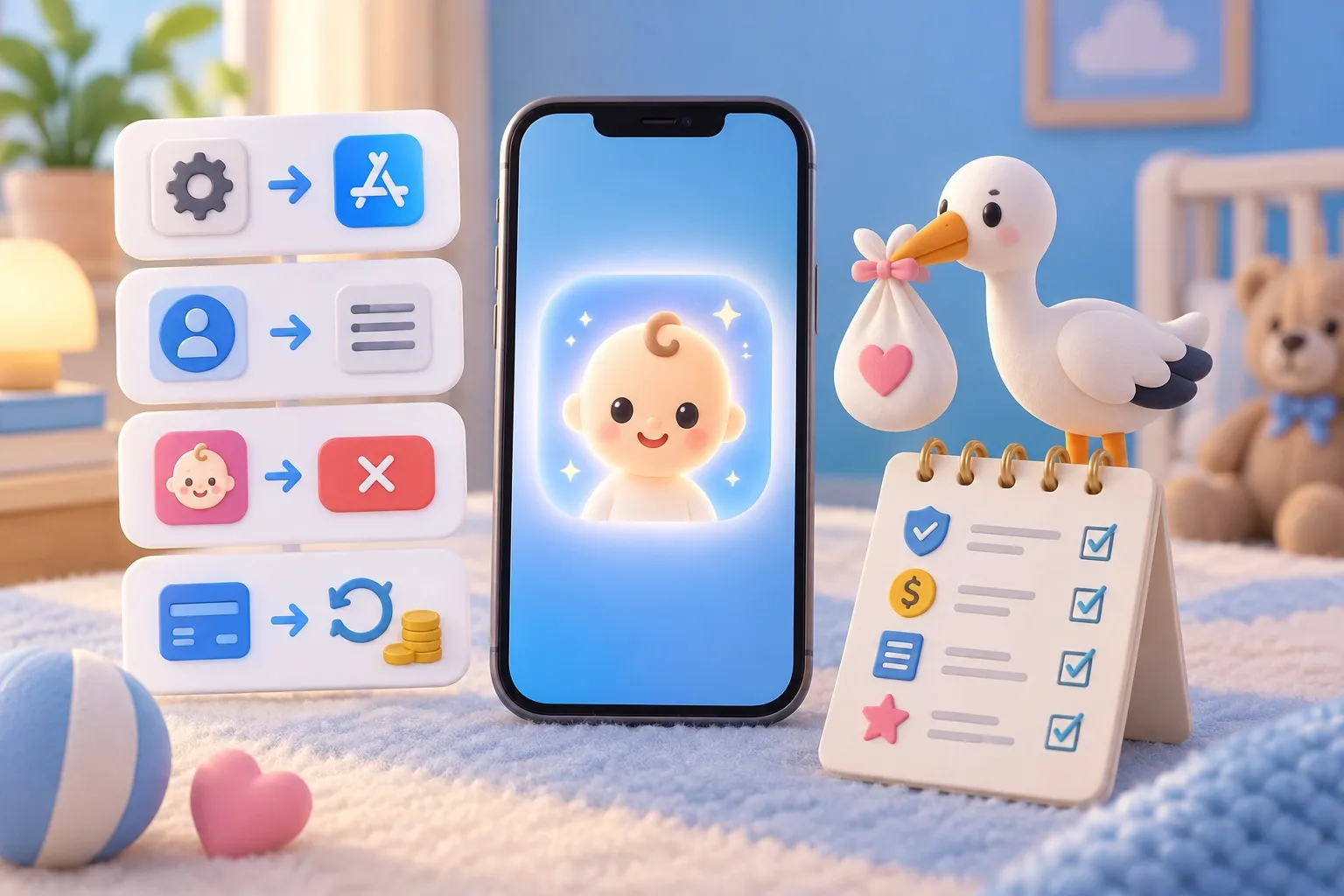
To cancel an AI baby generator subscription on iPhone, open Settings, tap your name, tap Subscriptions, choose the app and tap Cancel Subscription. Deleting the app does not cancel it, because the subscription belongs to your Apple Account, not to the app. If you were charged for something you didn’t want, you ask Apple for the refund at reportaproblem.apple.com, not the app’s developer.
Cancel the subscription on your iPhone
These are Apple’s own steps, and they work for any app bought through the App Store (Apple Support, cancel a subscription):
- Open Settings.
- Tap your name at the top.
- Tap Subscriptions.
- Tap the baby app’s subscription.
- Tap Cancel Subscription. You may need to scroll down to find it.
How to tell it worked: Apple says that if there’s no Cancel button, or you see an expiration message in red text, the subscription is already canceled. Take a screenshot of that screen; it’s useful if a charge shows up later.
A few details trip people up:
- Free trials renew on their own. Apple advises canceling at least 24 hours before the trial ends if you don’t want it to renew.
- Family subscriptions can’t be canceled by you. If the receipt shows a family member’s Apple Account, they have to cancel it on their device.
- Germany, Israel, South Africa and Türkiye have slightly different cancellation rules, which Apple links from the same page.
Cancel from a Mac or the web
If your phone isn’t handy, you can cancel from a Mac or a browser with the same Apple Account. On a Mac, open the App Store, click your name at the bottom of the sidebar, click your name again on the page that appears, then Subscriptions, the subscription and Cancel Subscription. Apple’s page also covers canceling on the web through your Apple Account and on a Windows PC through the Apple Music or Apple TV app.
If the subscription isn’t in your list
A missing subscription almost always means it was bought with a different account or outside the App Store. Apple’s checklist (Apple Support):
- Search your email for “receipt from Apple” or “invoice from Apple” and find the receipt for the baby app.
- Check which Apple Account is on that receipt. If it’s another account you use, sign in with it and cancel there.
- No Apple receipt at all? Then you probably subscribed through a website, not the App Store. Check your bank or card statement to see which company bills you, and cancel with that company directly. Website-based baby face generators handle their own billing, so Apple can’t cancel or refund them.
Ask Apple for a refund
Refunds for App Store purchases go through Apple. The developer of the baby app can’t refund an App Store charge for you. Apple’s steps (Apple Support, request a refund):
- Sign in to reportaproblem.apple.com.
- Tap “I’d like to”, then choose Request a refund.
- Choose the reason, then Next.
- Choose the subscription, then Submit.
Apple says to wait 24 to 48 hours for an update, and that if the refund is approved, the money can take longer to reach your card. Eligibility varies by country or region. If the charge is still pending, you have to wait for the email receipt before you can request a refund.
Canceling and asking for a refund are separate. A refund request doesn’t stop the next renewal, so cancel first.
What to check before subscribing to any baby app
Most “keeps charging me” stories start at the paywall, not at cancellation. Five checks take a minute:
| Check | What to look for |
|---|---|
| Billing period | Weekly plans add up fast. A $14.99 weekly plan costs $779.48 over 52 weeks; compare that with the yearly price on the same screen. |
| Trial terms | When the trial ends, and what it renews into. Set a reminder for two days before. |
| What a plan includes | “Unlimited” or a set number of images or credits. Ask what happens when credits run out. |
| Privacy | Open the app’s App Store page, scroll to App Privacy, and read what’s collected and whether photos are kept. Our AI baby generator privacy checklist walks through it. |
| A way out | Restore purchases and a support contact inside the app’s settings, so you don’t have to hunt for them later. |
It also helps to know what these apps can and can’t do before paying. Our explainer on how accurate AI baby generators are covers that, and the genetics side is in what will my baby look like.
How SeeMyBaby billing works
SeeMyBaby is billed through the App Store, so every step above applies to it unchanged: Settings, your name, Subscriptions, then Cancel Subscription. In the US App Store as of October 2026, the plans are $14.99 a week or $29.99 a year, or $17.99 a week and $34.99 a year with the gender reveal included. Subscriptions give credits for multiple portraits, not unlimited renders. The 4-year-old preview is a separate one-time purchase ($4.99 in the US), so there’s nothing to cancel for it. Prices vary by country, and the App Store shows yours before you buy.
The app’s Settings include Restore purchases and Contact support. The full breakdown is on the pricing page, and the parents’ photo portrait page explains what you get for your credits. More guides are on the blog.
Questions parents ask
Does deleting the app cancel my subscription?
No. The subscription is tied to your Apple Account, so it keeps renewing until you cancel it in Settings, your name, Subscriptions.
Why can’t I find the baby app in my subscriptions?
It was probably bought with another Apple Account, by a family member, or on a website instead of the App Store. Search your email for “receipt from Apple” to see which account was charged; if there’s no Apple receipt, check your bank statement for the company that billed you.
Can I get a refund for a baby generator subscription?
You can request one at reportaproblem.apple.com under “Request a refund”. Apple decides each request, eligibility varies by country, and you should hear back in 24 to 48 hours.
If I cancel, do I lose access right away?
After you cancel, the Subscriptions screen shows an expiration message with a date instead of a Cancel button. The subscription doesn’t renew after that date.
How do I stop a free trial from charging me?
Cancel it in Settings, your name, Subscriptions at least 24 hours before the trial ends, as Apple advises.